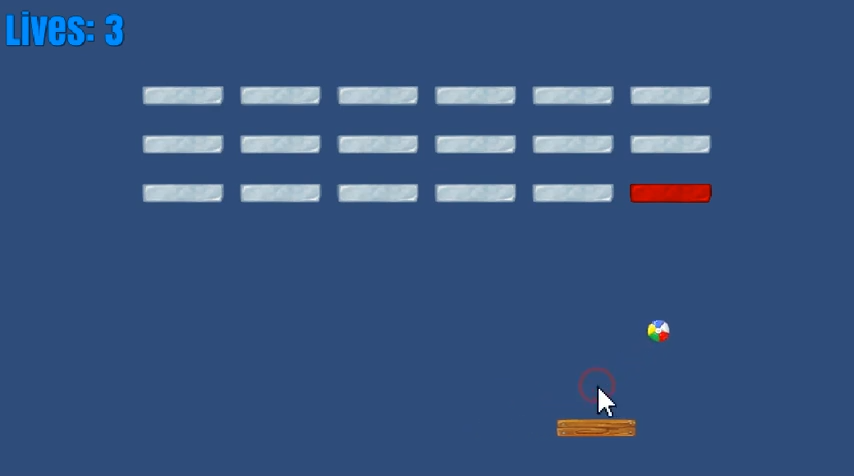
Breakout 클론
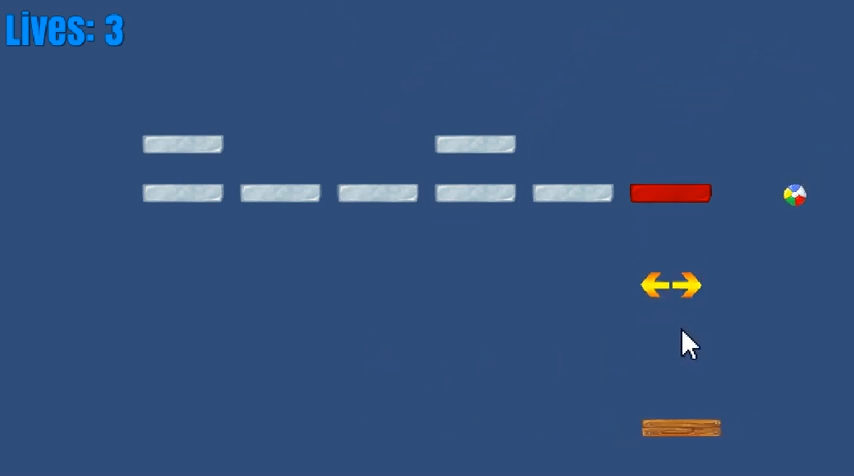
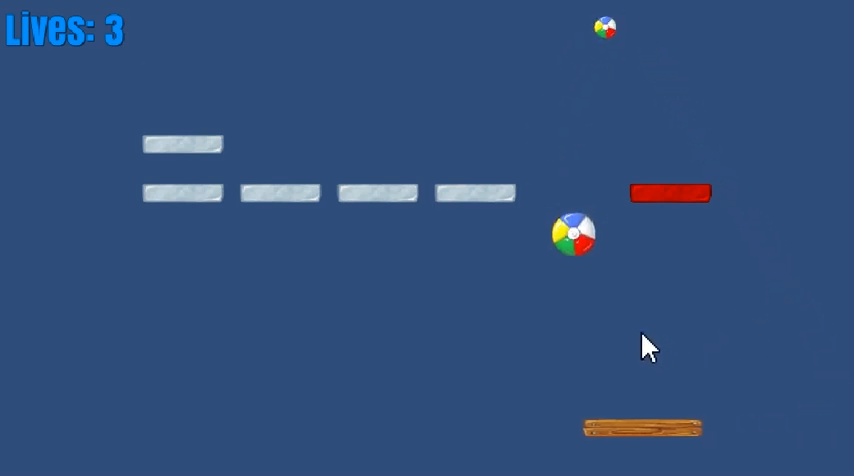
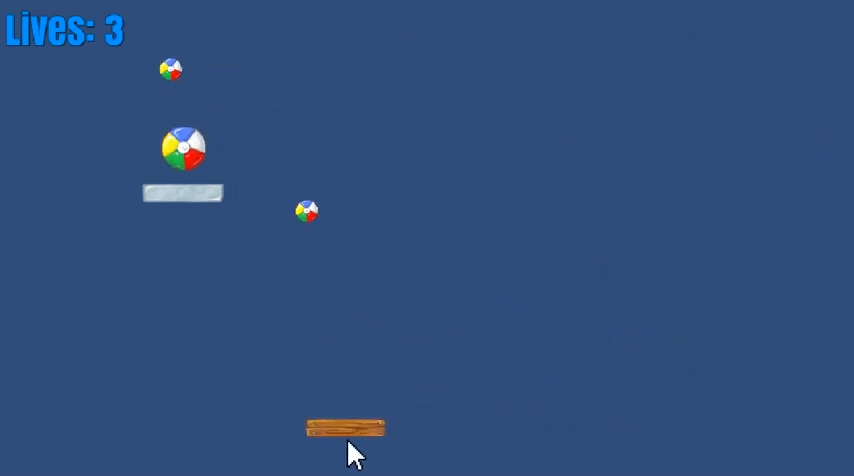
Unity + UniRx로 5일 동안 만든 Breakout 클론입니다. KidsLoop의 Unity 소프트웨어 엔지니어 채용 과정에서 받은 과제를 바탕으로 만들었습니다. 이 프로젝트에서는 리액티브 프로그래밍과 MVP(Model-View-Presenter) 패턴을 결합해 보는 것이 목표였습니다. 핵심 오브젝트(공, 패들, 벽돌 등)는 MonoBehaviour 기반 Presenter와 Presenter가 참조하는 POCO 모델로 분리해 구성했습니다.
다음은 MVP + 리액티브 스타일의 예시입니다.
1
2
3
4
5
6
7
8
9
10
11
12
13
14

using UniRx;

public class Paddle
{
    public Paddle()
    {
        Width = new ReactiveProperty<float>(1);
        ResetBallPos = new ReactiveCommand<Unit>();
    }

    public IReactiveProperty<float> Width { get; }

    public ReactiveCommand<Unit> ResetBallPos { get; }
}
1
2
3
4
5
6
7
8
9
10
11
12
13
14
15
16
17
18
19
20
21
22
23
24
25
26
27
28
29
30
31
32
33
34
35
36
37
38
39
40
41
42
43
44
45
46
47
48

using UniRx;
using UnityEngine;

public class PaddlePresenter : MonoBehaviour
{
    [SerializeField]
    private BallPresenter _ballPresenter;
    [SerializeField]
    private Transform _initialBallPosTrfm;
    [SerializeField]
    private Transform _graphicTrfm;

    public void Init()
    {
        Paddle = new Paddle();

        Observable
            .EveryUpdate()
            .Select(_ => Input.mousePosition)
            .Subscribe(UpdateXPosition)
            .AddTo(this);

        Paddle
            .Width
            .Subscribe(xScale => _graphicTrfm.localScale = new Vector3(xScale, _graphicTrfm.localScale.y))
            .AddTo(this);

        Paddle
            .ResetBallPos
            .Subscribe(_ => ResetBallPos())
            .AddTo(this);
    }

    public Paddle Paddle { get; private set; }

    private void UpdateXPosition(Vector3 mousePos)
    {
        mousePos.x = Mathf.Clamp(mousePos.x, 0, Screen.width);
        var xPos = Camera.main.ScreenToWorldPoint(mousePos).x;
        transform.position = new Vector3(xPos, transform.position.y, transform.position.z);
    }

    private void ResetBallPos()
    {
        _ballPresenter.transform.parent = transform;
        _ballPresenter.transform.position = _initialBallPosTrfm.position;
    }
}